


R and Artificial Intelligence: Code More Efficiently Without Losing Control
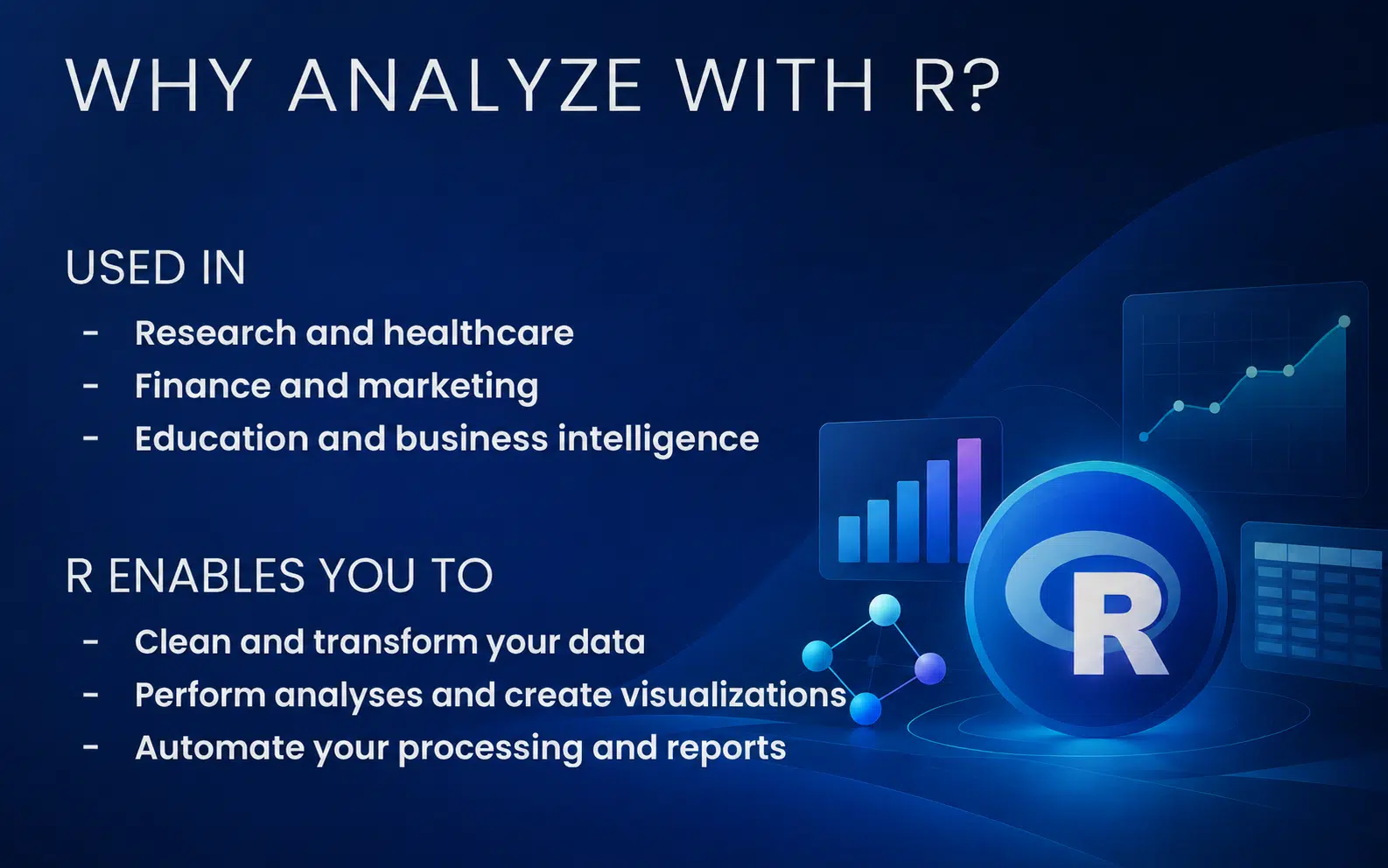
The R programming language is widely used for data analysis, statistics, and data visualization. It transforms raw data into useful information for research, management, and decision-making.
However, learning R can be challenging.
Many users discover R through a statistics course and then develop their skills by consulting manuals, forums, and technical documentation. While this approach can be effective, it can also lead to trial-and-error programming, difficult-to-maintain scripts, and considerable time lost when problems occur.
Artificial intelligence now offers a new way to learn and use R.
Tools such as Gemini and Posit Assistant can help users plan an analysis, generate code, explain a function, identify an error, or compare different approaches. However, the goal is not to replace an understanding of the language or statistical methods.
Instead, AI should become a copilot: it accelerates the work, while the user remains responsible for the decisions and results.
How Is Artificial Intelligence Transforming Work with R?
Artificial intelligence can assist at several stages of an R project.
It can support users from the initial definition of the problem through to the interpretation of the results.
Planning an Analysis
Before you begin coding, you need to clarify the project’s objective.
An AI assistant can help transform a general question into a structured analytical process.
For example, instead of simply asking, “Why are our sales decreasing?”, AI can help identify:
- the required data;
- the variables to compare;
- the missing values to investigate;
- the charts to create;
- the statistical methods to consider;
- the potential limitations of the analysis.
This step reduces the risk of producing large amounts of code without addressing the actual business need.
Generating R Code
AI can generate an initial code example from instructions written in natural language.
For example, a user can ask it to:
- import a CSV file;
- filter specific observations;
- calculate an average by category;
- create a new variable;
- generate a chart;
- perform a statistical test.
The generated code can provide a useful starting point, particularly for someone who is still learning R syntax.
However, it should not be executed blindly. The user must understand what each instruction does and verify that the proposed method genuinely supports the intended objective.
Explaining an Existing Script
When a script contains several functions or transformations, AI can explain it step by step.
It can:
- describe the purpose of each function;
- identify the objects being created;
- explain the logic of a sequence of operations;
- simplify a complex section;
- add comments;
- suggest a more readable version.
This feature is particularly useful when working with a colleague’s code or revisiting an older project whose structure is no longer familiar.
Correcting Errors
R error messages can be difficult to interpret, especially when you are just beginning to learn the language.
AI can analyze an error message and suggest several possible causes, such as:
- a missing object;
- an incorrect variable name;
- a package that has not been installed;
- an incorrect data type;
- a missing parenthesis;
- a function being used with the wrong arguments.
To receive a useful response, it is important to provide enough context: the complete error message, the relevant code, and, when possible, an overview of the data structure.
Improving Code Quality
A functional script is not necessarily a good script.
AI can suggest improvements to make the code:
- clearer;
- shorter;
- better organized;
- easier to reuse;
- easier to debug;
- better documented.
It can also suggest creating a function to replace repetitive blocks or dividing a long script into smaller steps that are easier to test.
There is not always a single correct solution. The objective is to understand the advantages and limitations of each approach.
Which AI Tools Can Be Used with R?
Several tools can support your work with R.
Gemini and Google AI Studio
Gemini can be used as a conversational assistant to ask questions, plan an analysis, generate code, or obtain explanations.
Google AI Studio provides a more detailed environment for exploring interactions with AI models and testing different prompts.
These tools can be used to work through a problem before even opening RStudio.
Posit Assistant in RStudio
Posit Assistant makes it possible to use artificial intelligence directly within the development environment.
Because it is integrated into the coding workflow, it can simplify tasks such as:
- generating code;
- explaining a selected section;
- suggesting a modification;
- correcting an error;
- working with the project’s context.
This integration can reduce the need to constantly switch between the code editor, documentation, and an external AI assistant.
Google Colab
Google Colab provides an online notebook environment.
It can be configured to execute R code and offers a practical way to experiment without immediately setting up a complete local environment.
Notebooks also make it easier to combine code, results, and explanations within the same document.
Quarto
Quarto transforms an analysis into a structured document.
A report can combine:
- explanatory text;
- R code;
- tables;
- statistical results;
- charts;
- references.
This approach improves the reproducibility of the analysis because the results can be recalculated whenever the data or code changes.
Example: Analyzing a Dataset with R and AI
Imagine that an organization has a file containing its sales data.
The file includes the date, region, product, quantity, and amount of each transaction.
The user could ask AI to help with the following steps:
- Import the file into R.
- Examine the data structure.
- Identify missing values.
- Correct the date formats.
- Calculate sales by region.
- Compare product categories.
- Create a chart.
- Interpret the observed trends.
- Transform the analysis into a Quarto report.
AI can suggest the code required for each step.
The user must then verify that the referenced columns actually exist, that the transformations are appropriate, and that the interpretation accurately reflects the data.
This collaboration makes it possible to work more efficiently while maintaining a structured analytical process.
Can You Trust Code Generated by AI?
An AI-generated response can appear convincing while still containing errors.
For example, it may:
- invent a function;
- use a package that is not installed;
- apply an inappropriate statistical method;
- overlook an important condition;
- produce a technically valid but incorrectly interpreted result;
- suggest syntax that is no longer compatible with the current version of a tool.
Every response must therefore be validated.
A good practice is to ask the assistant to:
- explain every step;
- identify the packages being used;
- provide an alternative solution;
- describe the assumptions behind the method;
- suggest a way to verify the result;
- add validation checks to the code.
The user remains responsible for the code being executed and the conclusions being presented.
Protecting Confidential Data
Using an AI assistant also raises privacy and confidentiality concerns.
Before submitting content to an online service, verify whether the data contains:
- personal information;
- medical information;
- financial data;
- customer contact details;
- internal documents;
- trade secrets;
- credentials or API keys.
Whenever possible, the data should be anonymized or replaced with a simplified example.
API keys must also be protected. They should never be written directly into a shared script or published in a publicly accessible repository.
Can AI Help You Learn R?
Yes—provided that it is used as a learning tool rather than an automatic answer generator.
AI can adapt its explanations to the user’s level, create new examples, and suggest progressively more advanced exercises.
It can:
- explain a concept using simple language;
- create variations of a code example;
- develop a practical exercise;
- generate a quiz;
- analyze an incorrect answer;
- build a personalized learning plan.
However, to develop genuine skills, users must continue writing code, testing their assumptions, reading documentation, and understanding the results they obtain.
Why Take an R and Artificial Intelligence Course?
Using an AI assistant without a clear method can quickly lead to an accumulation of code fragments that are difficult to understand and maintain.
Structured training teaches you how to:
- write more precise prompts;
- provide the appropriate context;
- compare several solutions;
- validate generated code;
- correct errors;
- protect your data;
- integrate AI into a consistent workflow.
The goal is not simply to obtain an answer faster. It is to develop a method that gradually improves your independence and the quality of your work.
Learn to Use R with AI at Doussou Formation
Doussou Formation’s R with Artificial Intelligence training course teaches you how to integrate AI into your R environment and work more efficiently.
During this one-day course, you will learn how to:
- configure the main AI tools;
- use Gemini and Google AI Studio;
- work with R in Google Colab;
- use Posit Assistant in RStudio;
- generate, explain, and correct code;
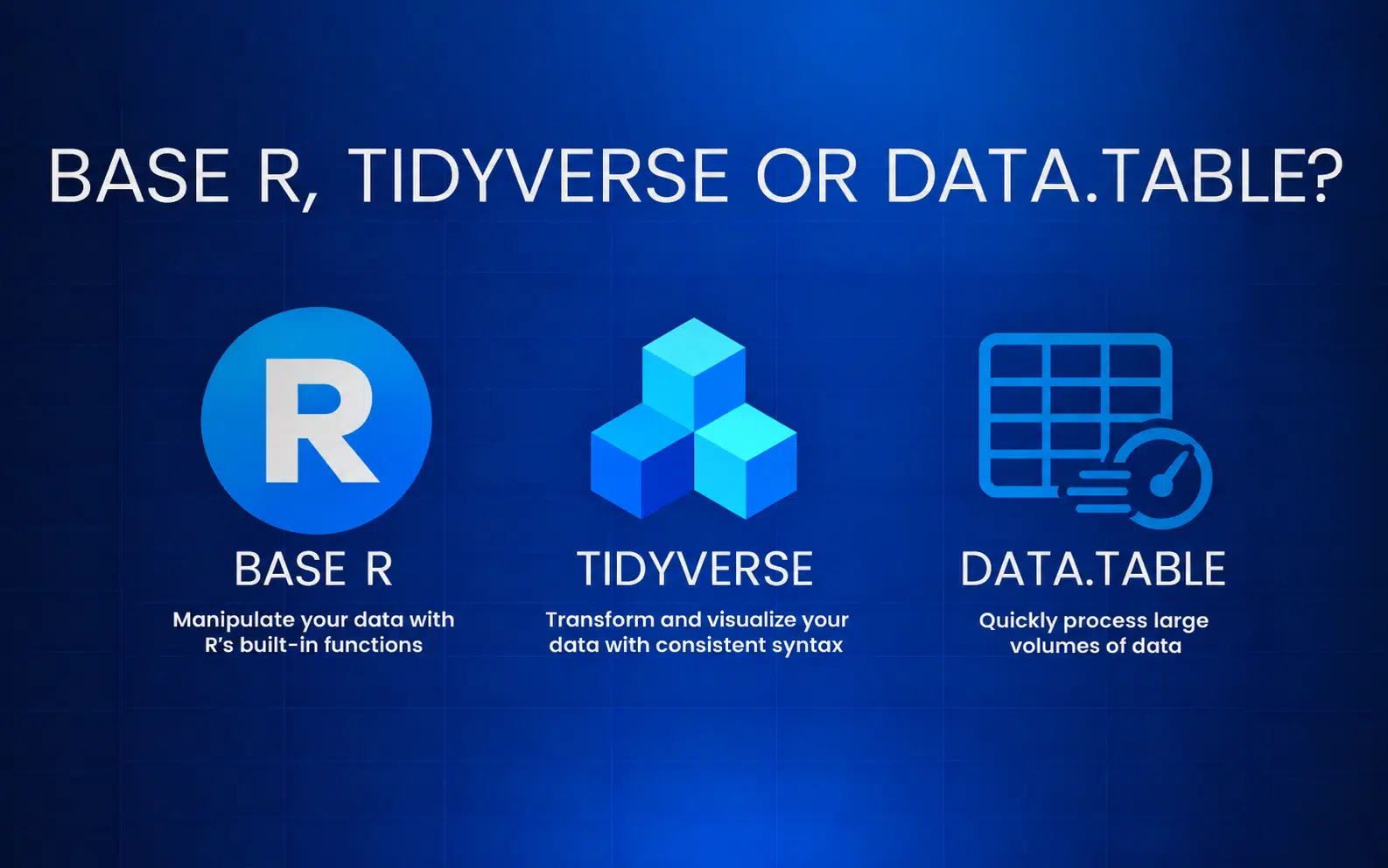
- compare base R, Tidyverse, and data.table;
- clean and transform data;
- perform basic statistical analyses;
- produce reports with Quarto;
- verify the reliability of AI-generated responses;
- protect confidential information.
The course is designed for beginners who want to accelerate their learning, as well as existing R users who want to modernize their working methods.
It is available through live virtual classes and in person in Montreal and Quebec City.
Turn artificial intelligence into a true copilot and develop a faster, more structured, and more reliable way of working with R.