

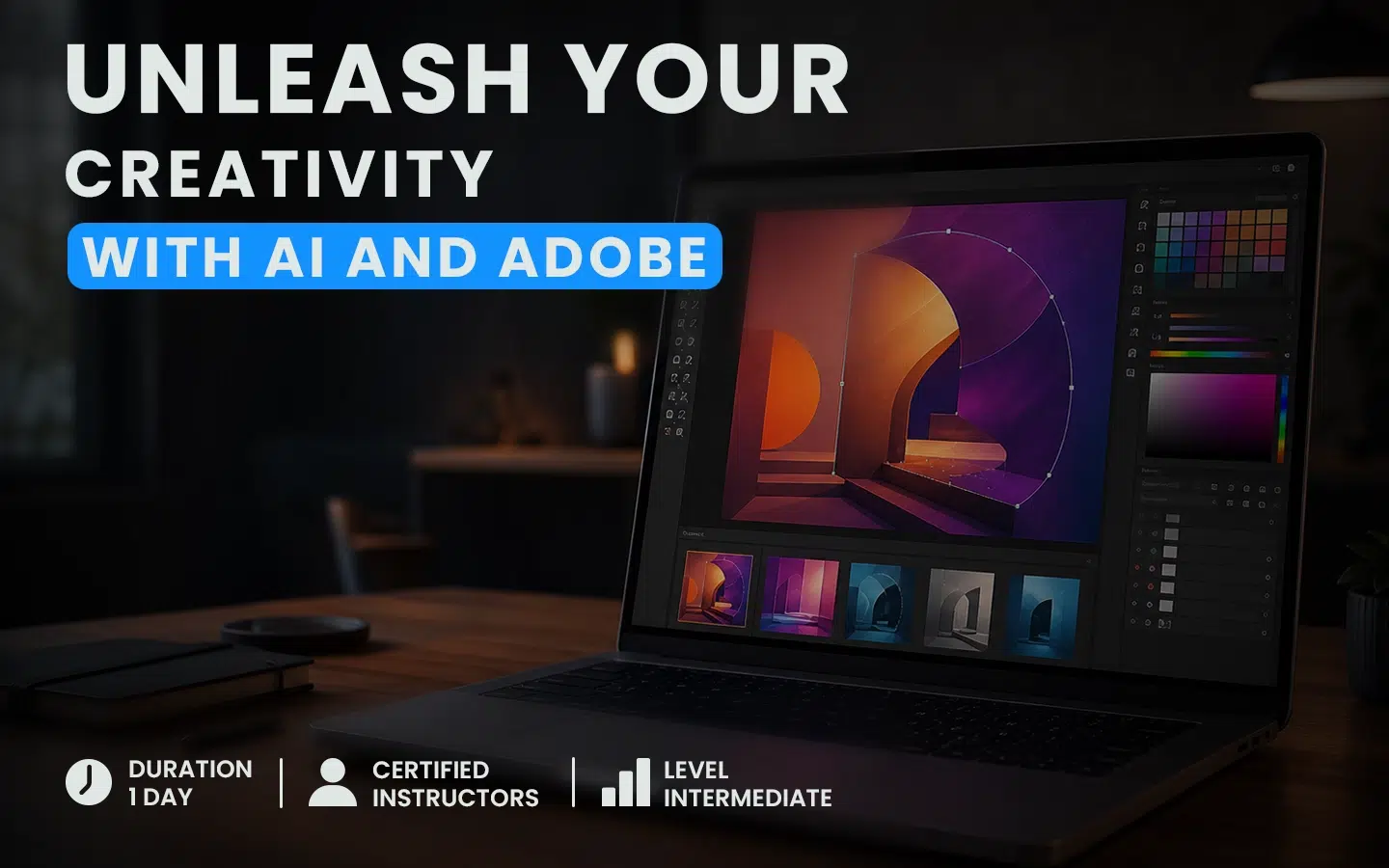
AI and Adobe: How to Optimize Graphic Design Without Sacrificing Quality
Artificial intelligence is rapidly transforming graphic design professions. In Photoshop, Illustrator, and InDesign, new features make it possible to generate images, modify compositions, create graphic elements, and explore multiple visual directions in just a few moments.
For graphic designers and marketing teams, these tools offer tremendous potential: accelerating production, simplifying certain repetitive tasks, and freeing up more time for creative thinking.
The goal, however, is not to let AI make every decision. Instead, it should be intelligently integrated into a process in which human expertise remains essential. AI speeds up execution; the professional retains creative direction and quality control.
AI Is Becoming a True Graphic Production Tool
Generative AI is often associated with creating images from a simple description. Within the Adobe environment, its applications go much further.
It can help with tasks such as:
- automatically selecting a subject or object;
- removing an unwanted element from a photograph;
- replacing or generating a background;
- extending an image beyond its original framing;
- creating icons, patterns, and illustrations;
- testing different colour palettes;
- producing an image suited to a layout;
- quickly exploring several creative directions.
These features replace neither Adobe software nor the designer’s expertise. They integrate into existing workflows and make it possible to perform certain operations more quickly.
AI thus becomes an extension of the creative toolkit.
Photoshop: Retouch and Transform Images Faster
Photoshop includes several intelligent features that simplify image selection, retouching, and transformation.
Automatic selection tools make it possible, for example, to quickly isolate a subject, object, or sky. You can then create a mask, replace a background, or apply a specific treatment to a precise area of the image.
Generative Fill can be used to remove an element, add an object, or reconstruct a missing section. Generative Expand makes it possible to enlarge the frame of a photograph by creating surroundings that are consistent with the original image.
These capabilities are particularly useful for marketing content production. The same photograph can be adapted for a web banner, a digital advertisement, or different social media post formats without having to rebuild the entire composition.
The creative professional’s role nevertheless remains essential. They must identify inconsistencies, correct details, and ensure that the result respects both the message and the brand’s visual identity.
Illustrator: Generate Editable Vector Elements
In Illustrator, AI can accelerate the creation and exploration of vector graphic elements.
Using a prompt, designers can generate objects, icons, scenes, or different stylistic variations. Pattern generation also makes it easier to create visual systems for packaging, publications, and promotional materials.
Generative Recolor makes it possible to quickly try several colour harmonies. Designers can compare different moods without having to modify every colour in an illustration individually.
These tools are particularly useful during the exploration phase. They can help establish an initial visual direction or a mini visual identity based on a brief.
Generated proposals must nevertheless be selected, adapted, and refined to ensure their originality, consistency, and technical quality.
AI accelerates research. The designer then transforms that research into a controlled visual solution.
InDesign: Bringing Image Generation Closer to Page Layout
The integration of AI into InDesign brings visual generation even closer to editorial production.
An image can be created from a prompt and then adapted to the style and proportions of a layout. This feature can be used to produce an atmospheric illustration, a cover image, or a preliminary visual for a mockup.
Teams can therefore evaluate the relationship between imagery, typography, and document structure more quickly. Instead of waiting for the final visual to be produced, they can test and approve a creative direction earlier in the process.
The result can then be refined in Photoshop or Illustrator before being placed back into the final composition. This movement between applications forms the foundation of a hybrid, professional workflow.
A Prompt Does Not Replace a Creative Brief
The quality of a generated result depends largely on the precision of the instructions given to the tool.
An effective prompt does more than name an object. It can specify:
- the main subject;
- the context or environment;
- the desired visual style;
- the colour palette;
- the framing and composition;
- the lighting or mood;
- the distribution format;
- the elements to include or avoid.
However, even the best prompt cannot replace a genuine creative brief. Before generating content, you must understand the audience, message, communication objectives, distribution context, and brand requirements.
The brief establishes the direction. The prompt translates that direction for the tool.
How to Use AI Without Sacrificing Quality
The speed of generation should not replace quality control. Before using content produced or modified with AI, several elements must be checked.
Visual Consistency
Colours, style, composition, and image treatment must respect the brand identity and remain consistent across materials.
Generation Defects
It is important to examine details carefully: irregular shapes, distorted objects, artificial textures, inconsistent perspectives, or imperfect transitions.
Technical Quality
Resolution, format, dimensions, colour mode, and sharpness must correspond to the final medium, whether it is a digital publication or a printed document.
Readability and Accessibility
Contrast, font size, information hierarchy, and message clarity must remain priorities. An impressive image cannot compensate for communication that is difficult to understand.
Originality and Usage Rights
Before publication, verify that the content can be used in the intended context and that it does not unintentionally reproduce a brand, artwork, or protected style in a problematic way.
Human Review
Any creation intended for professional use should be reviewed and approved by a qualified person. AI proposes; the professional evaluates, corrects, and decides.
A Balanced Workflow Between Humans and AI
The professional use of AI relies on collaboration between technology and human expertise.
An effective workflow can follow five steps.
1. Define the Objective
Identify the audience, message, format, constraints, and expected outcome.
2. Explore With AI
Generate ideas, images, patterns, or variations to quickly expand the range of possibilities.
3. Select With Discernment
Evaluate proposals according to their relevance, visual quality, and consistency with the brand.
4. Retouch and Finalize
Correct details, improve the composition, and apply design principles in Photoshop, Illustrator, or InDesign.
5. Validate Before Publication
Verify the content’s accuracy, accessibility, originality, usage rights, and technical quality.
This method makes it possible to benefit from the speed of AI while maintaining the level of control required in a professional context.
Why Take Training on Adobe’s AI Features?
AI features are evolving rapidly. Discovering them solely through trial and error can take a great deal of time and lead to limited use of the tools.
Structured training helps participants understand not only what these features can accomplish, but also when and how to integrate them into a real project.
The AI & Adobe: Optimize Your Graphic Design course, offered by Doussou Formation, is intended for professionals in graphic design, marketing, visual communications, and publishing. It is suitable for people who already have basic knowledge of Photoshop, Illustrator, and InDesign and want to integrate AI into their workflows.
Through demonstrations and practical workshops, participants learn how to:
- retouch an image using Photoshop’s generative features;
- remove an element and modify a background;
- generate icons, patterns, and vector elements in Illustrator;
- create a mini visual identity from a brief;
- use Generative Recolor;
- produce an image in InDesign and integrate it into a layout;
- build an efficient workflow between Photoshop, Illustrator, and InDesign.
Available online in a live virtual classroom, or in person depending on availability, this one-day course focuses on practical applications that can be quickly transferred to professional projects.
Turn AI Into a Genuine Creative Advantage
Artificial intelligence does not diminish the importance of creative skills. Instead, it increases the value of professionals who can transform its capabilities into consistent, distinctive, and useful results.
Mastering the AI features in Photoshop, Illustrator, and InDesign makes it possible to save time, explore more directions, and adapt content more easily to different needs.
Final quality, however, still depends on the human ability to define an intention, make the right choices, and recognize what truly serves the project.
The future of graphic design therefore cannot be reduced to automation. It relies on a more fluid process in which AI accelerates production and humans provide direction.

Move From Exploring Adobe’s AI Tools to Mastering Them
Would you like to integrate artificial intelligence into your graphic design projects in a practical way?
The AI & Adobe: Optimize Your Graphic Design course gives you the opportunity to experiment with the AI features in Photoshop, Illustrator, and InDesign through demonstrations and practical workshops.
In one day, learn how to retouch images, generate vector elements, and integrate AI-generated visuals into your layouts while maintaining control over quality and creative direction.
Discover the course outline, upcoming dates, and registration details: