Understanding AWS Basics
Understanding Essential Cloud Services
Amazon Web Services, better known as AWS, is one of the world’s leading cloud computing platforms. However, when first exploring its catalogue, the many acronyms and services—EC2, S3, RDS, VPC, IAM, and Lambda—can quickly make the platform seem overly complicated.
The good news? You do not need to understand every AWS service to understand how the platform works.
AWS is built around a few simple principles: accessing computing resources when needed, deploying them quickly, and adjusting them as an organization’s needs evolve. Let’s take a closer look at how these elements work together.
What Is AWS?
AWS is a cloud services platform offered by Amazon.
Instead of purchasing, installing, and maintaining physical servers, an organization can use AWS infrastructure to host applications, store data, run software, or create backup systems.
These resources are available remotely and can generally be activated or adjusted on demand.
Businesses can use AWS to:
- Host a website or application
- Store files and backups
- Operate databases
- Analyze large amounts of data
- Automate software deployments
- Develop artificial intelligence solutions
- Implement disaster recovery plans
The goal is not simply to move servers to the Internet. Cloud computing makes it possible to create infrastructure that is more flexible, scalable, and available.
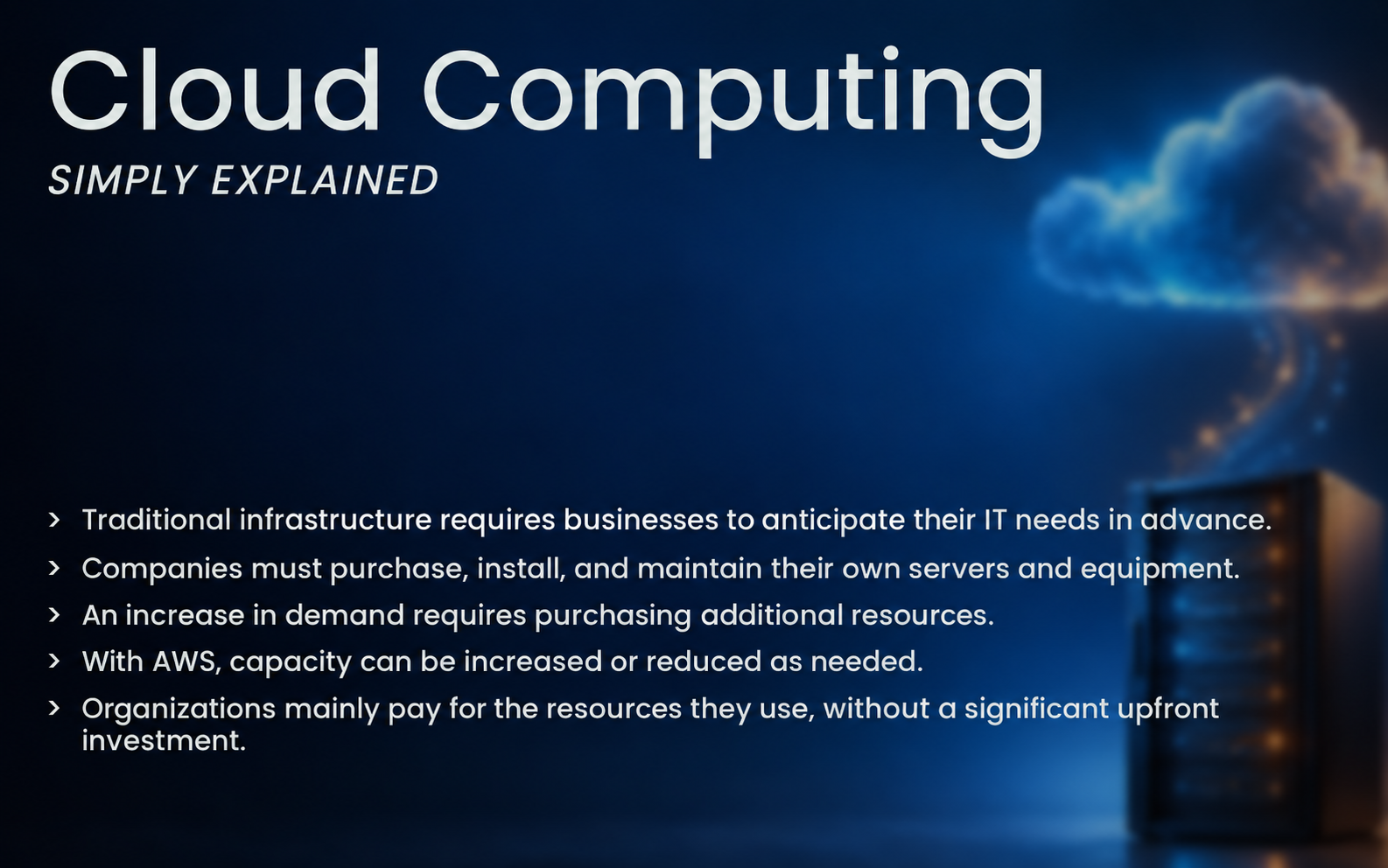
Cloud services are generally divided into three main categories:
- IaaS — Infrastructure as a Service: Access to virtual servers, networks, and storage
- PaaS — Platform as a Service: Managed environments for developing and deploying applications
- SaaS — Software as a Service: Software that can be accessed directly online
AWS mainly provides IaaS and PaaS services, along with several specialized application solutions.
Regions and Availability Zones: Where Are AWS Resources Located?
AWS’s global infrastructure is divided into regions.
A region is a geographic area in which AWS operates multiple independent infrastructures called Availability Zones.
The choice of region may depend on several factors:
- Proximity to users
- Required access speed
- Regulatory requirements
- Data residency requirements
- Service availability
- Resource costs
Availability Zones make it possible to distribute an application across multiple isolated locations.
For example, a company can deploy its application across several Availability Zones. If one experiences a problem, the others can continue processing requests.
This approach helps improve application availability and resilience. However, it must be considered during the architecture process: simply using AWS does not automatically make a system highly available.
Essential AWS Services to Know

AWS offers hundreds of services, but understanding a few of its core services is enough to grasp the platform’s foundations.
Amazon EC2: Virtual Servers
Amazon Elastic Compute Cloud, or Amazon EC2, allows users to create virtual machines in the cloud.
An EC2 instance can function like a traditional server and be used to:
- Host an application
- Run software
- Process data
- Operate a web server
- Create a development or testing environment
Users can select the processing power, memory, operating system, and storage capacity of each instance.
EC2 therefore represents the computing component of an AWS architecture.
Amazon S3: File Storage
Amazon Simple Storage Service, or Amazon S3, is an object storage service.
It can be used to store:
- Images and videos
- Documents
- Application files
- Technical logs
- Backups
- Archives
Unlike a hard drive attached directly to a server, files are stored as objects inside containers called buckets.
S3 offers several storage classes. Organizations can select an option based on how frequently their data must be accessed and how long it needs to be retained.
Amazon RDS: Relational Databases
Amazon Relational Database Service, or Amazon RDS, allows organizations to operate relational databases without managing the entire underlying infrastructure themselves.
Depending on the selected configuration, AWS handles various technical tasks, including certain maintenance and backup operations.
RDS supports several widely used database engines, including MySQL, PostgreSQL, MariaDB, Oracle Database, and Microsoft SQL Server.
This is an example of a managed service: the user maintains control over their data and configuration, while AWS automates part of the technical administration.
Amazon VPC: Private Networking
Amazon Virtual Private Cloud, or Amazon VPC, allows users to create an isolated virtual network within AWS.
Within this network, an organization can define:
- IP address ranges
- Public and private subnets
- Network routes
- Security rules
- Connections to the Internet or a corporate network
A VPC can, for example, make a web server publicly accessible while keeping its database inside a private subnet.
AWS IAM: Users and Permissions
AWS Identity and Access Management, or IAM, controls access to AWS resources.
IAM answers a fundamental question: Who can do what with which resources?
An organization can create users, roles, and permission policies. It can then limit each person or application to the resources they genuinely need.
This approach follows the principle of least privilege: users receive only the permissions required to perform their responsibilities.
AWS Lambda: Running Code Without Managing Servers
AWS Lambda allows users to run code in response to an event without directly managing a server.
For example, a Lambda function can run automatically when a file is added to Amazon S3 or when a user submits a request through an application.
This approach is commonly known as serverless computing. Servers still exist, but AWS handles their management.
How Do These Services Work Together?
Consider the example of a web application.
Static files such as images can be stored in Amazon S3. The application can run on Amazon EC2 instances or through AWS Lambda. User information can be stored in an Amazon RDS database.
These resources are organized within an Amazon VPC, while AWS IAM controls the permissions required to access and manage them.
To make the application more resilient, the organization can also:
- Distribute traffic with a load balancer
- Deploy resources across multiple Availability Zones
- Automatically adjust the number of instances based on demand
- Monitor performance and errors with Amazon CloudWatch
Each service performs a specific function, but their full value becomes clear when they are combined into a coherent architecture.
Is AWS Automatically Secure?

AWS follows a shared responsibility model.
AWS is responsible for protecting its physical infrastructure and the technologies that operate its services. However, customers remain responsible for several aspects of how they use the cloud.
Depending on the services being used, the organization must protect:
- Accounts and credentials
- IAM permissions
- Operating systems
- Network settings
- Applications
- Data
- Backups
An improper configuration can expose data even when the underlying AWS infrastructure is secure.
Several fundamental practices can help reduce these risks:
- Enable multi-factor authentication
- Apply the principle of least privilege
- Avoid sharing user accounts
- Encrypt sensitive data
- Monitor account activity
- Install necessary updates
- Test backups and recovery plans
Understanding this division of responsibilities is essential before deploying infrastructure in a production environment.
How Does AWS Pricing Work?
AWS primarily uses a pay-as-you-go pricing model.
Organizations pay according to the services and resources they consume—for example, running time, storage capacity, transferred data, or number of requests.
This model can be beneficial, but it does not automatically guarantee lower costs.
Expenses can increase because of:
- Oversized resources
- Instances left running unnecessarily
- Forgotten storage volumes or backups
- Poorly adapted architecture
- Large data transfers
- A lack of budget monitoring
Cost management should therefore be considered during the architecture process. AWS provides tools for monitoring, budgeting, and analyzing expenses, but users must know how to configure and interpret them.
Is AWS Only for Developers?
No. Many professionals can benefit from using or understanding AWS.
Developers use it to build and deploy applications. System administrators manage infrastructure, access, and monitoring. DevOps specialists automate deployments. Cloud architects design secure and resilient solutions.
Managers and technology project leaders also need to understand cloud fundamentals so they can properly evaluate a project’s costs, risks, and opportunities.
The required level of knowledge varies by role, but understanding the core services makes collaboration between teams much easier.
Why Take AWS Training?

Anyone can open an AWS account and create a few resources by following online tutorials. However, clicking through the AWS console is not enough to design professional cloud architecture.
Structured training helps participants understand:
- How to select the appropriate services
- How to organize cloud infrastructure
- How to protect access and data
- How to improve availability
- How to monitor resources
- How to avoid unnecessary expenses
- How to prepare for an industry-recognized certification
Guided practice also helps participants avoid configuration mistakes and connect AWS services with real-world professional situations.
Develop Your AWS Skills with Doussou Formation
The AWS Solutions Architect Associate SAA-C03 training course from Doussou Formation teaches participants how to design, deploy, and secure modern cloud architectures on Amazon Web Services.
The course covers cloud fundamentals, Amazon EC2, Amazon S3, Amazon RDS, Amazon VPC, AWS IAM, serverless architectures, high availability, monitoring, and cost optimization.
Hands-on workshops, case studies, and certification preparation exercises help participants transform theoretical knowledge into practical, workplace-ready skills.
The training is available through live virtual classes and in person in Montréal and Québec City. It also prepares participants for the AWS Certified Solutions Architect – Associate SAA-C03 certification.
Explore our AWS Solutions Architect Associate training and begin building secure, scalable, and resilient cloud architectures.