Microsoft Copilot Studio: Create AI Agents for Your Organization
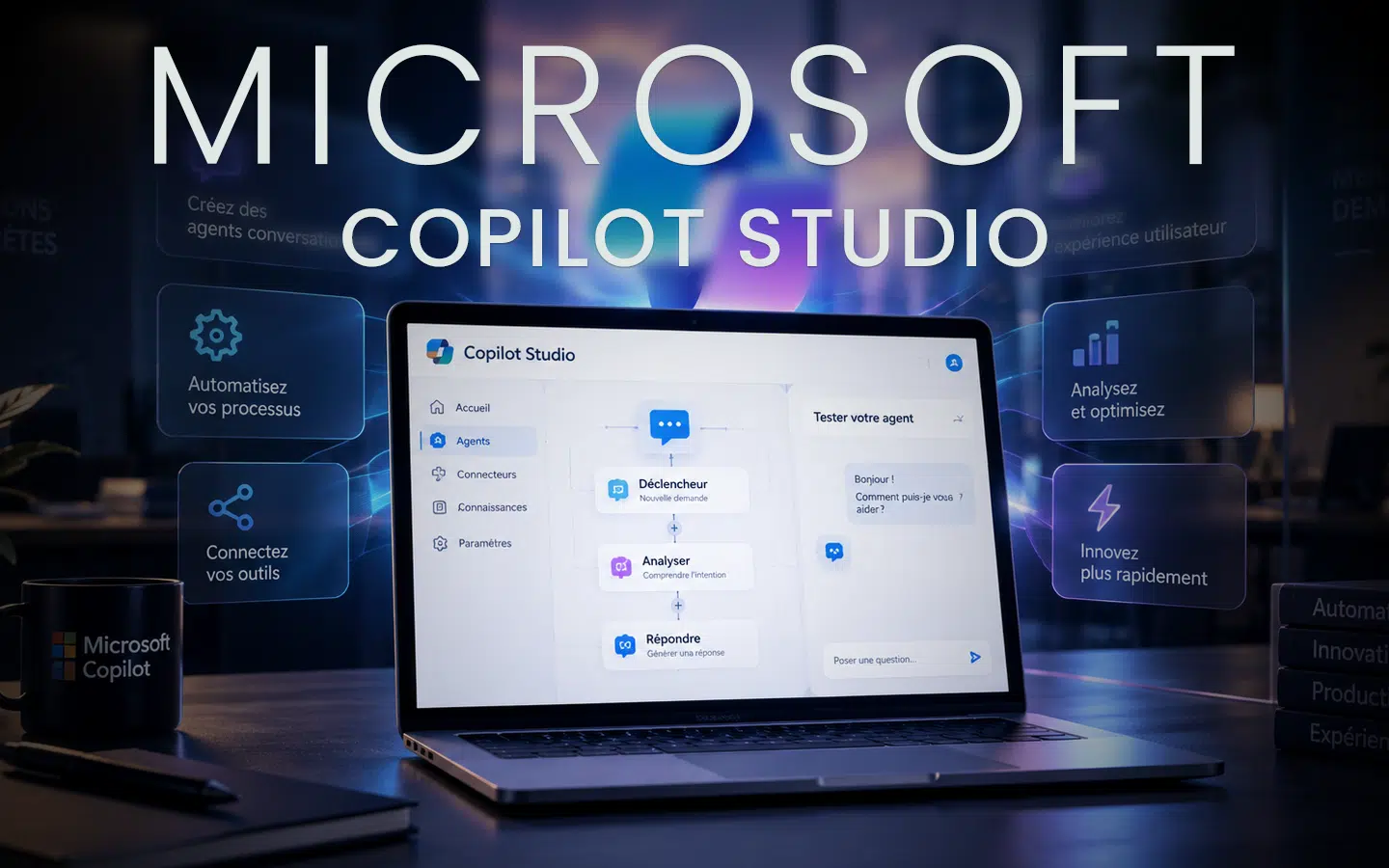 Artificial intelligence is no longer limited to writing content or summarizing documents. With Microsoft Copilot Studio, organizations can create their own AI agents to answer users’ questions, leverage internal knowledge, and automate business processes.
With its low-code approach, Copilot Studio allows organizations to move gradually from a simple conversational assistant to an agent capable of interacting with business data and applications.
What Is Microsoft Copilot Studio?
Microsoft Copilot Studio is a platform for designing, customizing, testing, and publishing AI-powered agents.
These agents can:
- answer questions from employees or customers;
- search documents and knowledge sources;
- guide users through a procedure;
- collect and validate information;
- trigger actions and automated workflows;
- interact with various business applications.
The goal is to create a specialized assistant that understands a specific business context and provides answers tailored to the organization’s needs.
What Is the Difference Between Microsoft 365 Copilot and Copilot Studio?
Microsoft 365 Copilot is integrated into applications such as Word, Excel, PowerPoint, Outlook, and Teams. It primarily helps users work more efficiently within the Microsoft 365 environment.
Copilot Studio goes further by enabling organizations to create customized agents. They can define an agent’s role, instructions, knowledge sources, conversational scenarios, and authorized actions.
The two solutions are therefore complementary: Microsoft 365 Copilot improves individual productivity, while Copilot Studio makes it possible to build assistants for specific business requirements.
Connect Agents to Organizational Knowledge
An agent becomes truly useful when it can rely on accurate and relevant information.
Copilot Studio can use several types of knowledge sources, including:
- Word, PDF, and Excel files;
- SharePoint content;
- websites;
- Microsoft 365 data;
- authorized business information sources.
The agent can search for relevant information and generate an appropriate response to the user’s request.
For example, a human resources agent could answer questions about vacation policies, employee benefits, or internal procedures by consulting the organization’s official documents.
Automate Processes with Power Automate
Copilot Studio is not limited to answering questions. An agent can also trigger actions through Power Automate and the connectors available within the Microsoft ecosystem.
For example, an agent could:
- create a request in SharePoint;
- send a notification;
- submit an approval request;
- save information in a business application;
- check the status of a case;
- launch an internal process.
Users can communicate with the agent in natural language while the agent completes the required steps in the background.
Examples of Copilot Studio Use Cases
Human Resources
An agent can answer frequently asked questions, direct employees to the appropriate resources, and facilitate administrative requests.
Customer Service
It can provide an initial response, retrieve relevant information, and transfer more complex requests to the appropriate employee.
IT Support
An agent can suggest troubleshooting procedures, help classify an incident, or create a support request.
Internal Training
It can help employees use software, explain procedures, and answer questions based on the organization’s training materials.
Operations and Management
It can collect information, initiate approval workflows, and help teams follow their business processes.
Do You Need Programming Skills?
Creating a first agent does not necessarily require advanced programming skills. Copilot Studio provides a visual interface and allows many elements to be described using natural language.
However, a successful project also requires the ability to:
- select a relevant use case;
- organize knowledge sources properly;
- design conversations;
- configure access permissions;
- test responses and actions;
- establish governance rules.
Practical training helps participants understand the platform and avoid building an agent that is difficult to maintain or poorly aligned with business needs.
Licences, Trials, and Copilot Credits
A trial environment can be used to explore Copilot Studio and create a first agent. Licensing and capacity requirements may vary depending on how the agent is published, its actual usage, and the features involved.
Copilot Credits are used to measure certain types of platform usage. Before deploying an agent in production, organizations should evaluate their expected usage volume, required features, and the appropriate billing model.
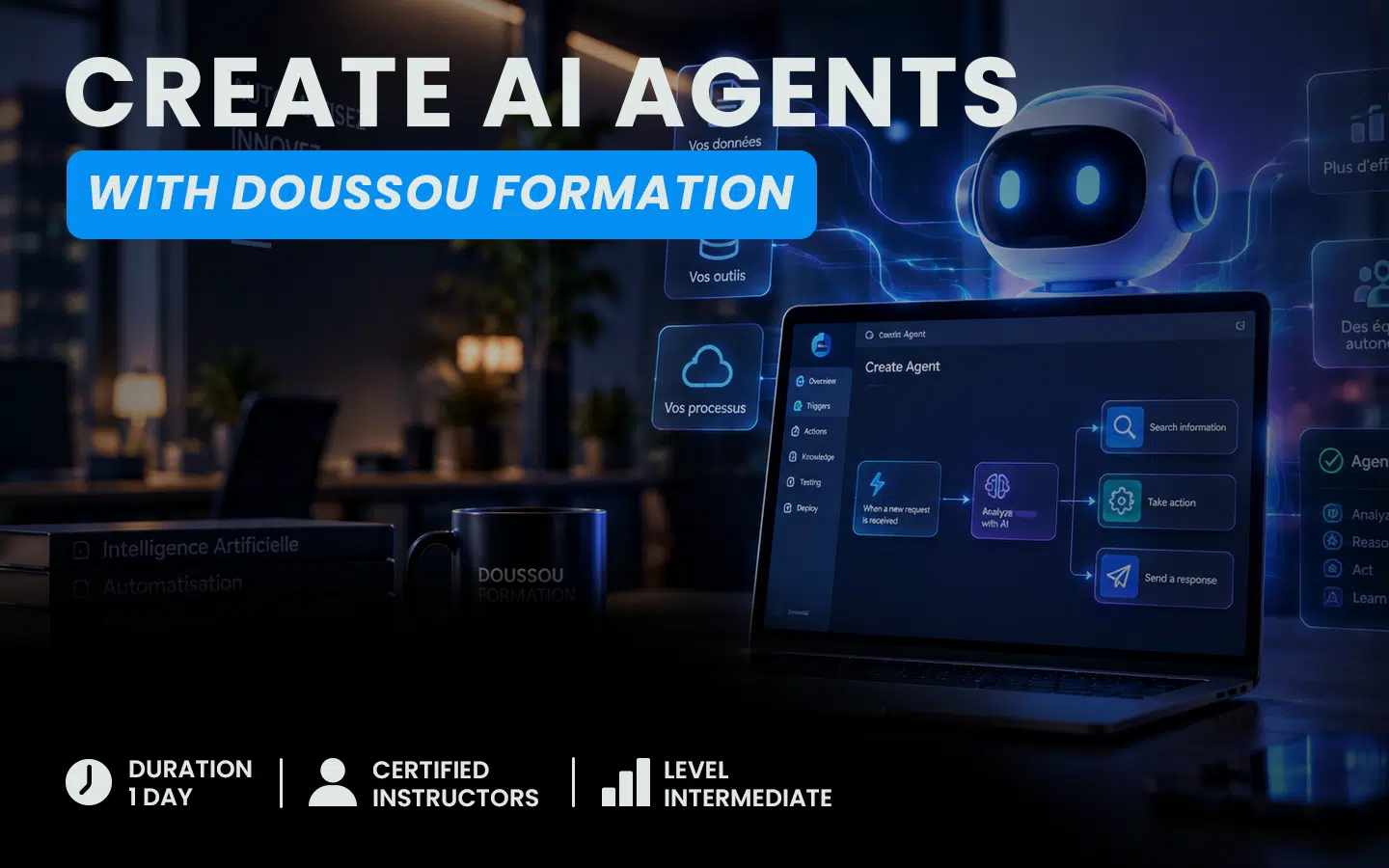 Learn to Create AI Agents with Doussou Formation
Doussou Formation’s Microsoft Copilot and Copilot Studio Training provides practical instruction on using Microsoft 365 Copilot and creating an agent tailored to an organization’s needs.
The course covers:
- using Copilot in Microsoft 365;
- understanding the differences between Microsoft 365 Copilot and Copilot Studio;
- creating a conversational agent;
- using documents and organizational knowledge sources;
- designing business scenarios;
- integrating an agent with Power Automate;
- testing and publishing an agent;
- discovering autonomous AI agents.
The training is available as a live virtual class and in person, depending on the scheduled dates.
View the Microsoft Copilot and Copilot Studio training program and learn how to create useful, secure AI agents tailored to your organization.